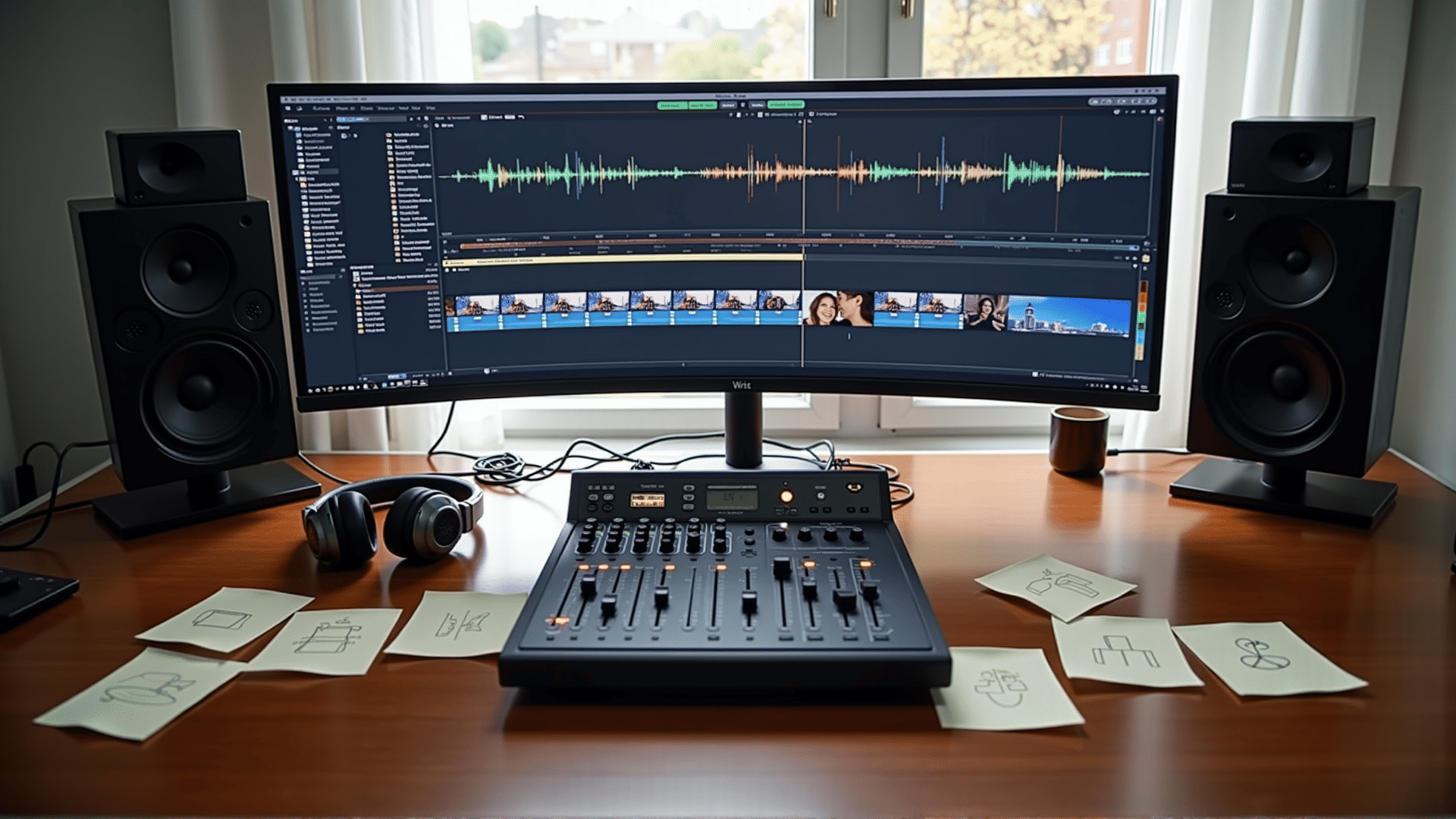
In the world of video creation, achieving a seamless integration of audio and visuals is a key factor in enhancing viewer engagement and maintaining their interest. Proper synchronization between sound and visuals can elevate the storytelling aspect of a video, making it both compelling and immersive. Here, we delve into the essential techniques and considerations necessary to master this interplay for a harmonious video experience.
Understanding Timing and Rhythm
One of the fundamental aspects to consider when synchronizing audio with visuals is timing. Timing dictates how sound and visual elements interact, impacting the flow and rhythm of the entire piece. To achieve this, it is essential to edit audio in a way that complements the visual sequence. This could mean aligning key visual moments with changes in the audio track, such as beats in music or significant sound effects.
Utilizing Audio Cues
Audio cues, such as sound effects or dialogue, can be powerful tools for guiding the viewer’s focus and enhancing narrative elements. For instance, the clashing of a sword just as a character draws their weapon instantly signals an action moment. Furthermore, subtle audio cues, like ambient sound, set the mood and tone, drawing the audience deeper into the visual landscape. Careful placement and volume tuning are crucial to avoid overwhelming the visuals while ensuring the sound remains impactful.
Dynamic Range and Volume Control
Balance in volume is another pivotal factor. While powerful sounds can captivate, they shouldn't dominate to the detriment of other elements. Implementing a dynamic range—alternating between soft and loud passages—helps maintain viewer interest and prevents auditory fatigue. Equalizing audio components ensures that dialogue remains clear, music is appropriately supportive, and sound effects enhance rather than distract from the visuals.
Music as a Storytelling Device
Music can serve as a narrative device, enhancing the emotional undertone of a scene. Its tempo, key, and rhythm can mirror or contrast with the visuals to influence viewer perception. Choosing music that aligns with the pacing of the scene can heighten emotions and provide a cohesive narrative link through various segments of the video.
Software and Tools
With many tools available for editing, selecting the right software can make the synchronization process more efficient. Video editing programs with features like visual waveform representation for audio tracks can help creators pinpoint peaks and troughs in the audio to precisely match visual cues. Additionally, plugins and filters can aid in refining sound quality and ensuring clear, crisp audio output.
Testing and Feedback
Finally, testing the video on various devices and seeking feedback from peers can reveal synchronization issues that may not be apparent initially. Diverse playback contexts can affect how audio and visuals align, highlighting areas that need adjustment to ensure consistent performance across platforms.
In conclusion, synchronizing sound and visuals requires a blend of technical skill, creativity, and a keen sense of timing. By focusing on these aspects, creators can craft videos that not only entertain but also leave a lasting impact on their audience. Engaging audio-visual harmony is the cornerstone of an enriched viewing experience, driving stories that resonate on both an emotional and sensory level.