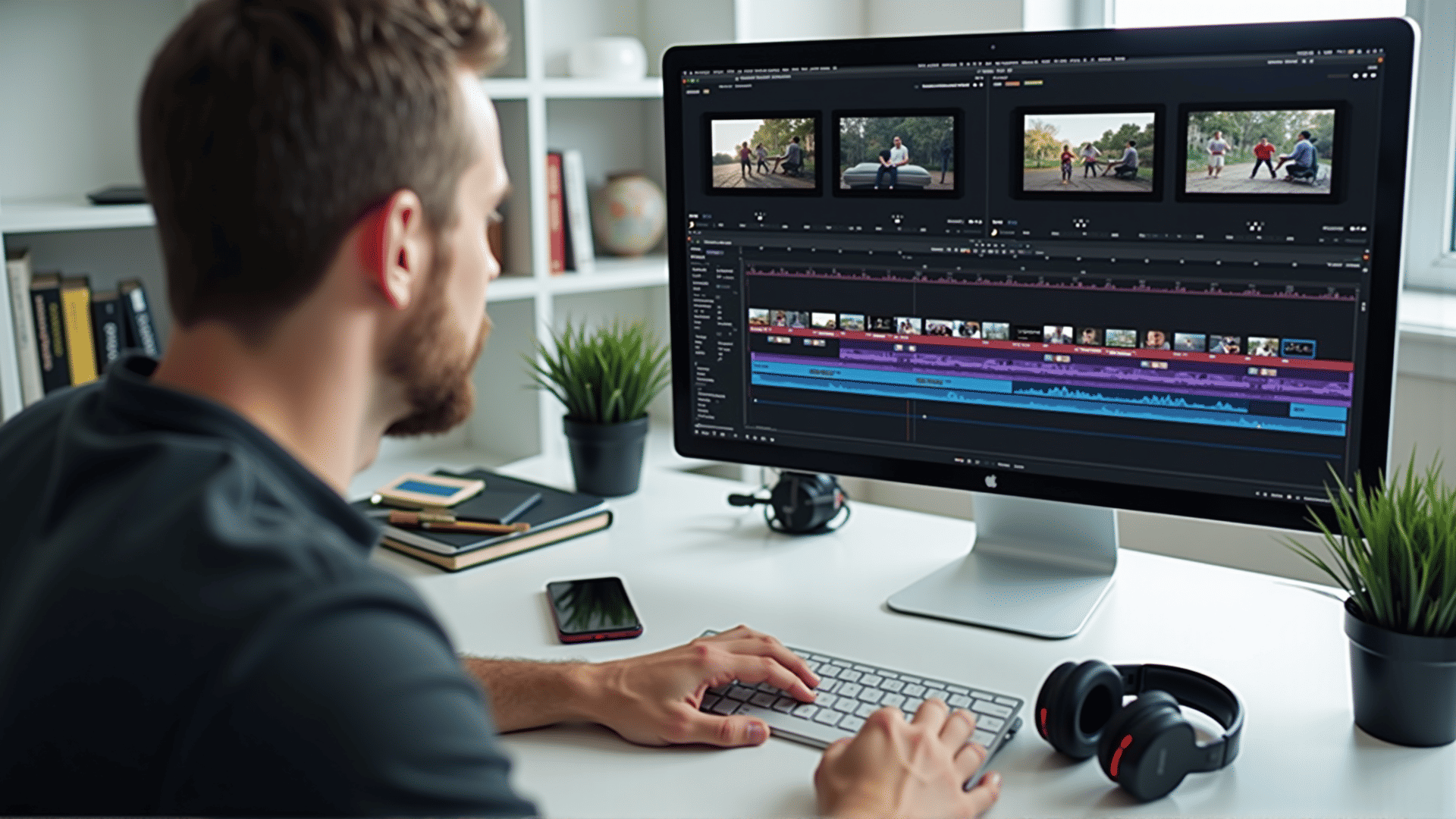
Organizing and efficiently navigating the timeline is a crucial skill for any video editor, as it forms the backbone of the creative process. By mastering some key strategies, editors can streamline their workflow and produce high-quality content with ease.
First and foremost, understanding the structure of the timeline is essential. It typically consists of both video and audio tracks where clips are placed in a sequence. Familiarizing yourself with each track and its purpose is a good starting point. For instance, placing your video clips on the higher tracks while reserving lower tracks for audio can greatly enhance organization and clarity.
To further streamline editing, utilize markers effectively. Markers are visual cues that can be placed within the timeline to denote key moments or important sections of the video. They act as reference points that make it easier to locate specific segments during edits, ensuring that you never lose track of crucial elements in the video.
Another useful tactic is to employ the use of layers. By grouping similar components such as titles, graphics, or special effects on separate layers, you maintain a cleaner and more manageable timeline. This separation helps prevent overlaps and confusion, making it easier to focus on each layer individually during the editing process.
Keyboard shortcuts are also immensely beneficial for enhancing efficiency in timeline navigation. Most editing software allows you to customize shortcuts tailored to frequently used functions. Learning and implementing these shortcuts can save time and reduce repetitive strain, as you can perform actions such as cutting, trimming, or zooming with simple keystrokes.
Regular use of color-coding is another effective technique. Assign distinct colors to different types of clips or categories, such as interviews, B-roll footage, or animations. This visual organization allows for quick identification and retrieval of clips, significantly speeding up the editing process.
Lastly, consider maintaining a logical and consistent naming convention for all clips imported into the timeline. Clearly labeled clips make it easier to locate specific footage when needed, avoiding unnecessary delays and confusion.
By mastering these organizational strategies, video editors can create a smooth and efficient timeline workflow. This not only enhances the editing process but also leads to a more focused and creative environment, allowing the editor to concentrate on crafting compelling stories.